
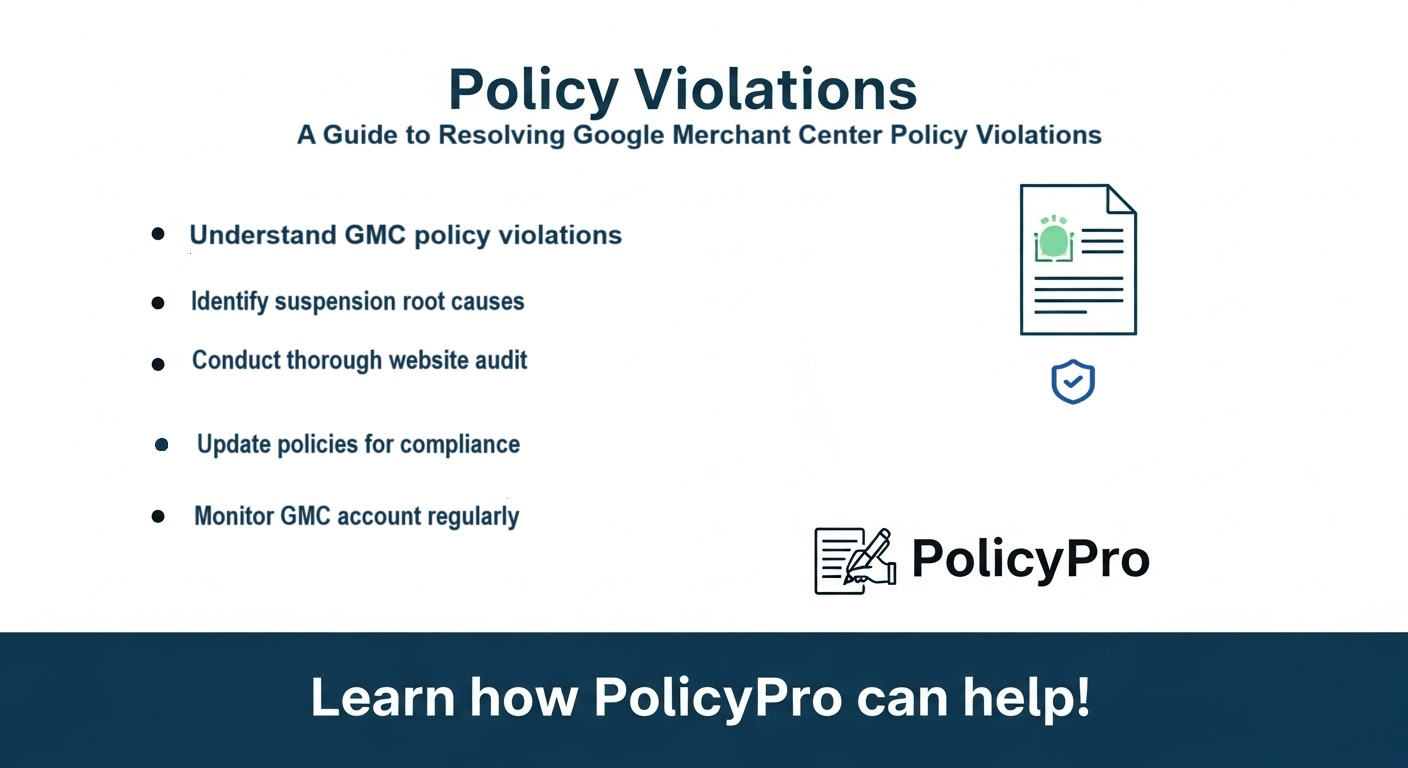
Step-by-Step Guide to Resolving Google Merchant Center Policy Violations
Step-by-Step Guide to Resolving Google Merchant Center Policy Violations
Is your eCommerce business struggling with Google Merchant Center (GMC) policy violations? A GMC suspension can severely impact your online sales by halting Google Shopping ads, disrupting your organic marketing efforts, and damaging your customer satisfaction. This guide provides a step-by-step approach to resolving these issues and getting your Google Shopping campaigns back on track.
Understanding GMC Policy Violations
Google Merchant Center has strict guidelines to ensure a safe and trustworthy shopping experience. Violations often stem from issues like misrepresentation (inaccuracies in product information, pricing, or shipping), website compliance failures (lack of clear return policies, privacy policies, or terms of service), and general inconsistencies. These can lead to warnings, suspension, or even permanent removal from the platform.
Common Causes of GMC Suspensions
- Misrepresentation: Inaccurate product descriptions, misleading pricing, or deceptive shipping information.
- Lack of Transparency: Missing or hard-to-find crucial business information like contact details, return policies, or privacy policies.
- Policy Non-compliance: Return policies that violate GMC guidelines, lack of a privacy policy compliant with GDPR and CCPA, or non-compliant terms of service.
- Website Issues: Poor website design, confusing navigation, or lack of trust signals.
Steps to Resolve GMC Policy Violations
- Identify the Violation: Carefully review the notification from Google Merchant Center. Understand the specific policy violated and the impact it has on your account.
- Thorough Website Audit: Conduct a comprehensive audit of your website and product listings to pinpoint all areas of non-compliance.
- Data Feed Cleanup: Ensure your Google Merchant Center data feed is 100% accurate and up-to-date.
- Policy Updates: Create or update your return policy, privacy policy, and terms of service to ensure complete compliance with Google's guidelines.
- Website Compliance: Improve your website's overall user experience and transparency.
- Resubmit Your Data Feed: After making necessary changes, resubmit your data feed to Google Merchant Center.
- Monitor Your Account: Regularly monitor your Google Merchant Center account for any new warnings or violations.
PolicyPro: Your Ally in Maintaining GMC Compliance
PolicyPro streamlines the process of creating legally-compliant policies, a critical step in preventing GMC violations. With PolicyPro, you can build customer trust, reduce risk, and focus on growing your online business.
Conclusion
Resolving Google Merchant Center policy violations requires careful attention to detail and proactive compliance. By following these steps and leveraging tools like PolicyPro, you can regain access to Google Shopping, improve your website compliance, enhance your SEO, boost your organic marketing, and ultimately grow your eCommerce business with confidence.